Exam Setup System for Pakistani Schools
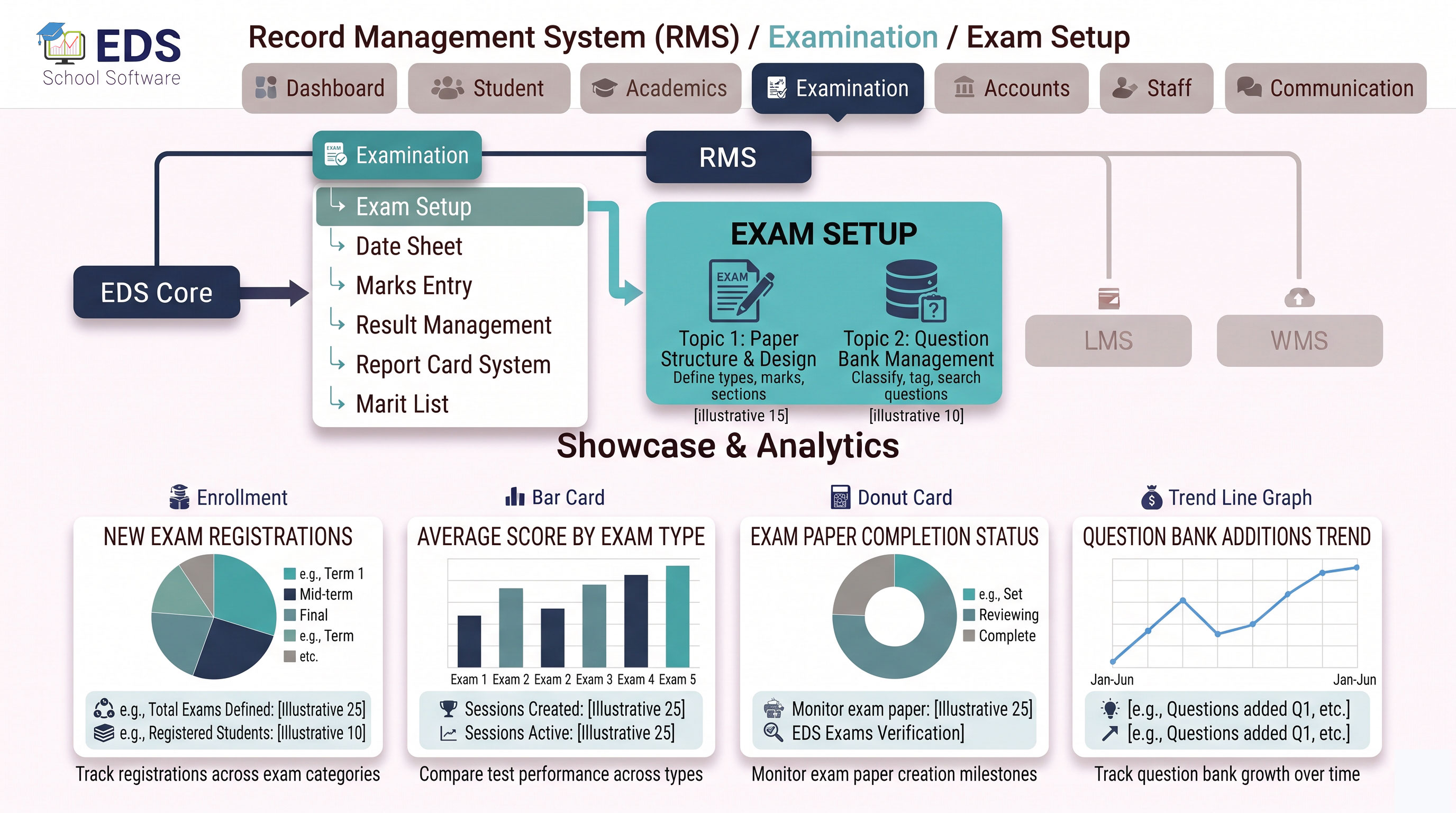
EDS Exam Setup System lets Pakistani schools create complete exams digitally in minutes, select subjects automatically from class records, set total marks and passing criteria, and get ready for date sheet and marks entry instantly.
What is an Exam Setup System?
An exam setup system is the first step of digital examination management, where schools define the structure of an exam before it begins. This includes selecting the exam type, class, subjects, total marks and passing criteria. Once set up, this information flows automatically into date sheet creation and marks entry.
Simple Definition: EDS Exam Setup System means creating a new exam takes minutes, select class, subjects appear automatically from your academic setup, set marks criteria and save. The exam is instantly ready for date sheet and marks entry.
How Exam Setup Works in EDS
Choose monthly test, mid-term, final term or annual exam, then select the class and section.
All subjects assigned to that class in Academic Management appear automatically, no manual entry.
Define total marks and minimum passing marks for each subject individually.
Once saved, the exam is instantly available for date sheet creation and marks entry by teachers.
Key Features of EDS Exam Setup System
Subjects pulled automatically from class academic setup, zero manual entry.
Set different total and passing marks for each subject individually.
Monthly, mid-term, final and annual exams managed independently throughout the year.
Set up exams for specific classes and sections separately as needed.
Complete exam setup takes minutes, not hours of manual paperwork.
Feeds directly into date sheet, marks entry and result generation automatically.
Related Examination Features
Set Up Exams in Minutes with EDS
Free trial for Pakistani schools and colleges. No credit card required. Urdu and English support.