School Subject Management System for Pakistani Schools
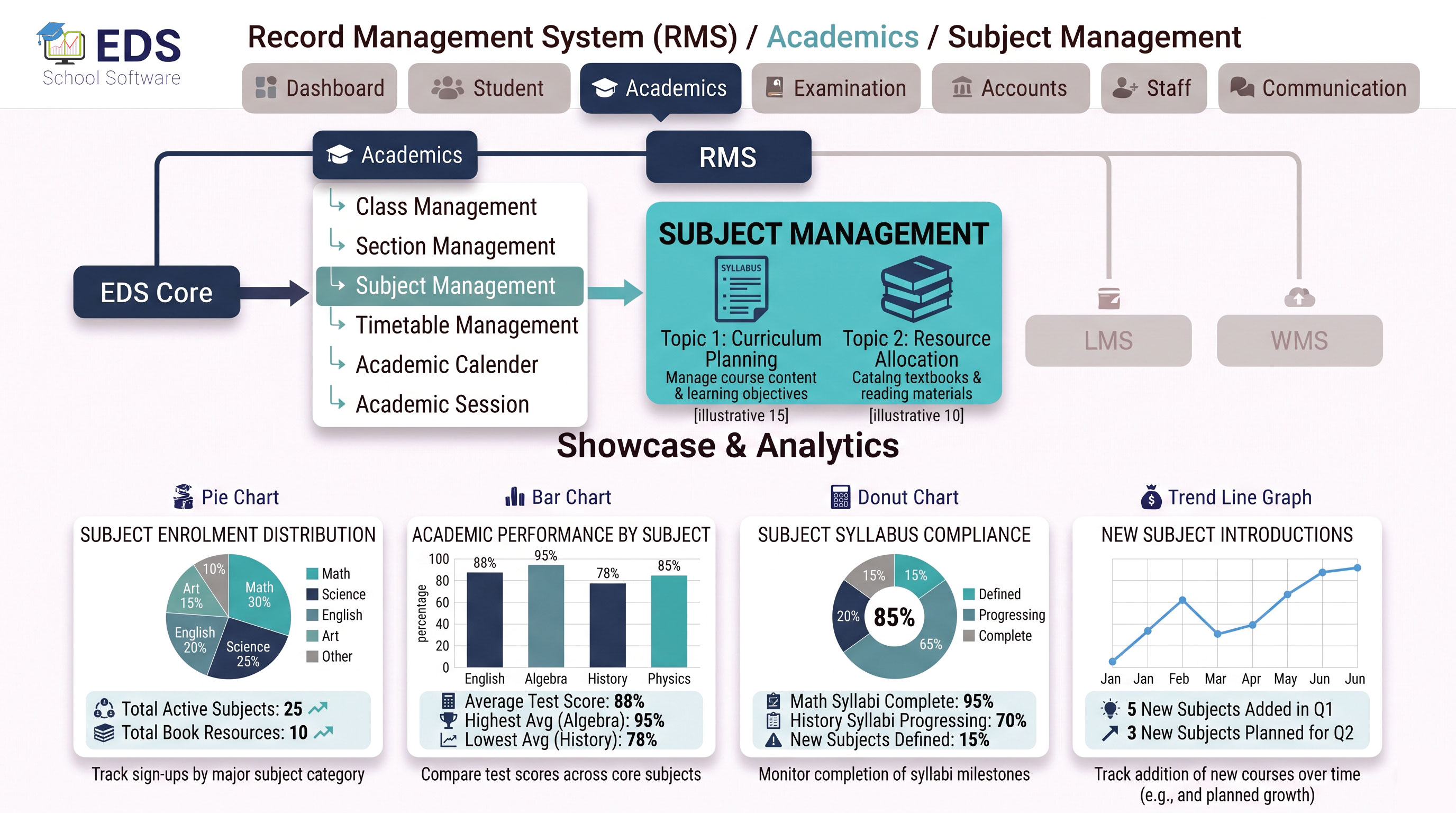
EDS Subject Management System lets Pakistani schools add and manage all subjects, assign different subjects to different classes and link subject teachers, with all subject data automatically available in timetables, exams and portals.
What is a School Subject Management System?
A school subject management system digitally organizes all subjects taught across different classes in a school. It defines which subjects are taught in which classes, which teacher handles each subject per class and how many periods each subject gets per week. This information then flows automatically into timetable creation and exam setup without any re-entry.
Simple Definition: EDS Subject Management System means you add all your school subjects once and assign them to classes. When you create a timetable for Class 5, all Class 5 subjects appear automatically. When you create an exam for Class 8, all Class 8 subjects appear automatically. No re-entering subjects anywhere.
Key Features of EDS Subject Management System
Add all subjects taught in your school, Urdu, English, Math, Science and more.
Assign different subject combinations to different classes easily.
Assign different teachers for same subject in different classes independently.
Set how many periods per week each subject gets, used in timetable creation.
Class subjects appear automatically in exam setup, no manual re-entry needed.
Subjects automatically available when creating class timetables in EDS.
Set total marks and passing marks for each subject per class and exam type.
View subject-wise exam results and performance analysis per class.
Common School Subjects EDS Supports
Related Academic Management Features
Manage School Subjects Digitally with EDS
Free trial for Pakistani schools and colleges. No credit card required. Urdu and English support.