Class Management System for Pakistani Schools
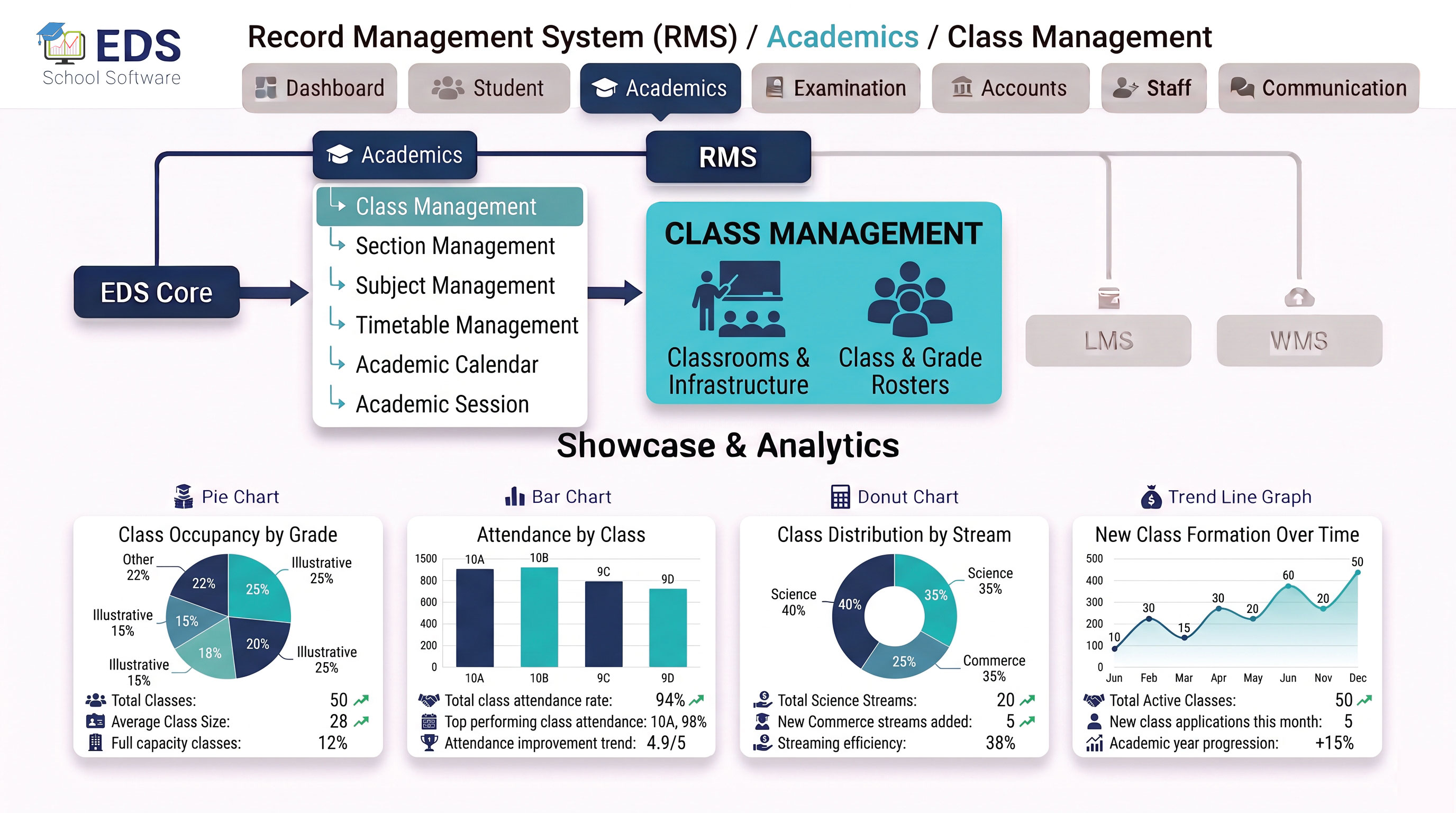
EDS Class Management System lets Pakistani schools create and organize all classes digitally, assign class teachers, manage student enrollment and connect class data automatically with attendance, fees and exams.
What is a School Class Management System?
A school class management system is software that organizes all classes in a school digitally. It replaces manual class registers and paper-based class structures with a digital system where every class has its own profile, with enrolled students, assigned teacher, subjects and timetable all connected automatically.
Simple Definition: EDS Class Management System means you create Class 1-A once in EDS and it automatically appears in attendance lists, fee structure assignments, exam setups and timetables. No re-entering class information in multiple places, one setup works everywhere.
Key Features of EDS Class Management System
Create any number of classes, Class 1 to Class 12 or custom naming for your school.
Assign a dedicated class teacher to each class with special access to class records.
Enroll students in classes at admission, student list auto-updates everywhere.
View total students per class, section breakdown and gender-wise count instantly.
Assign which subjects are taught in each class, auto-connects to exam module.
Set different fee amounts for different classes, auto-assigned at student admission.
Bulk promote all students to next class at year end, one click process.
View complete student list for any class with all details and quick search.
How Class Management Connects With Other Modules
Organize Your School Classes Digitally with EDS
Free trial for Pakistani schools and colleges. No credit card required. Urdu and English support.