Academic Session Management System for Pakistani Schools
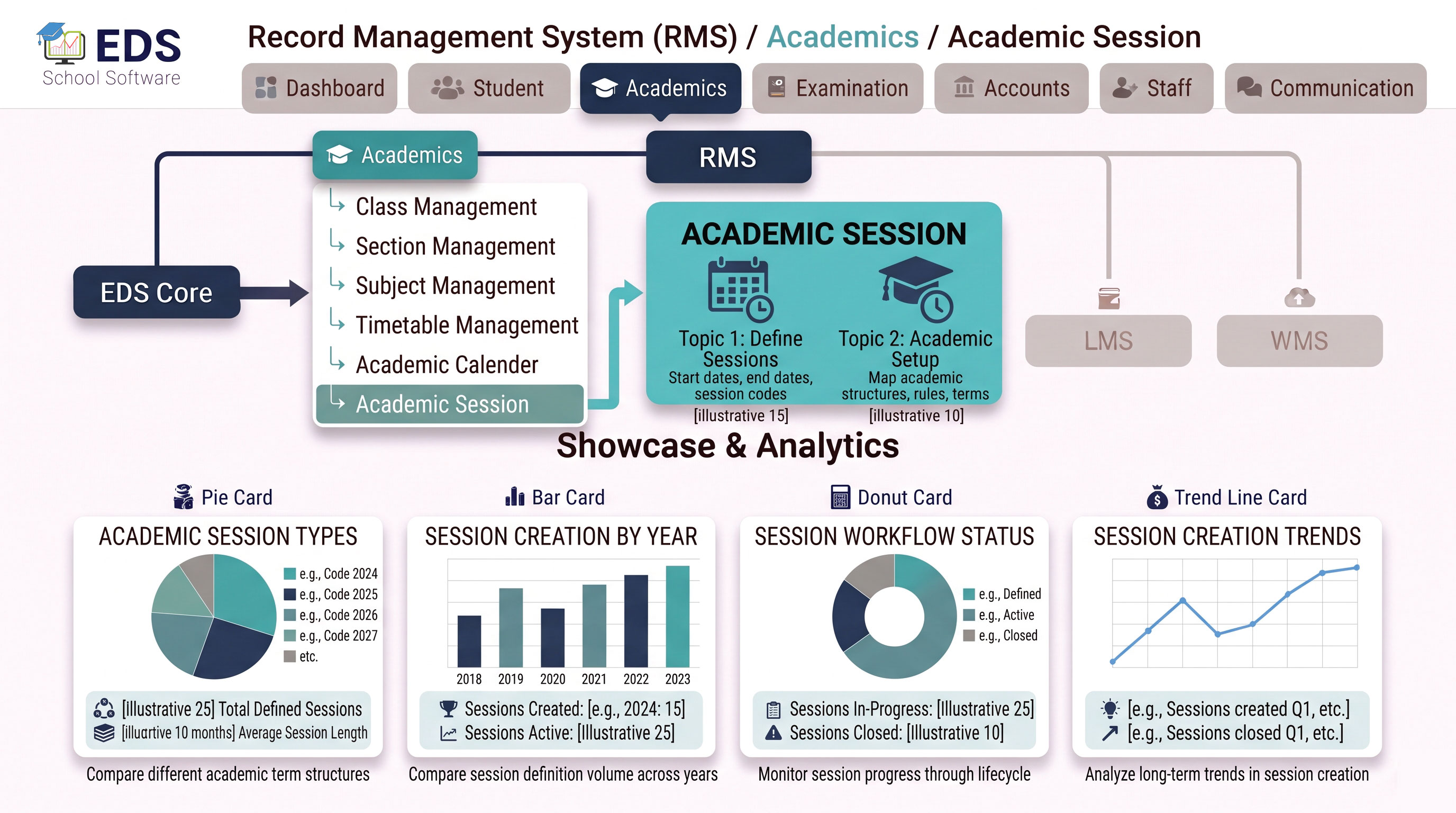
EDS Academic Session Management lets Pakistani schools start new academic years cleanly, carry forward student data, promote classes and archive previous year records safely without losing any historical information.
What is Academic Session Management?
Academic session management handles the transition from one academic year to the next in a school's digital system. Every year, Pakistani schools need to promote students, start fresh fee cycles, reset attendance counters and begin new exam terms, all while preserving complete access to previous year data for records, verification and reporting.
Simple Definition: EDS Academic Session Management means starting a new school year takes minutes, not weeks. Students are promoted, fee structures reset for the new year and last year's complete records, attendance, fees, results, stay safely archived and accessible forever.
Key Features of EDS Academic Session Management
Start a new academic year in minutes with proper setup of classes and structure.
Promote all passing students to next class in one action for the new session.
Apply updated fee structure for the new academic year automatically per class.
All previous session data safely archived, never deleted, always accessible.
View any previous academic year's data anytime by switching sessions in the system.
Generate reports for any specific academic session, compare year over year performance.
Integrates with student transfer module for seamless class promotion process.
Every session transition preserves complete historical data, nothing ever gets lost.
How Academic Session Transition Works in EDS
Check final exam results to determine which students pass and are eligible for promotion.
Set up the new academic year with dates and session name in the system.
Promote all passing students to next class while holding back failed students individually.
Fee structures updated, attendance reset for new year, previous session fully accessible for reference anytime.
Related Academic Management Features
Start New Academic Sessions Smoothly with EDS
Free trial for Pakistani schools and colleges. No credit card required. Urdu and English support.