What is Student Transfer Management?
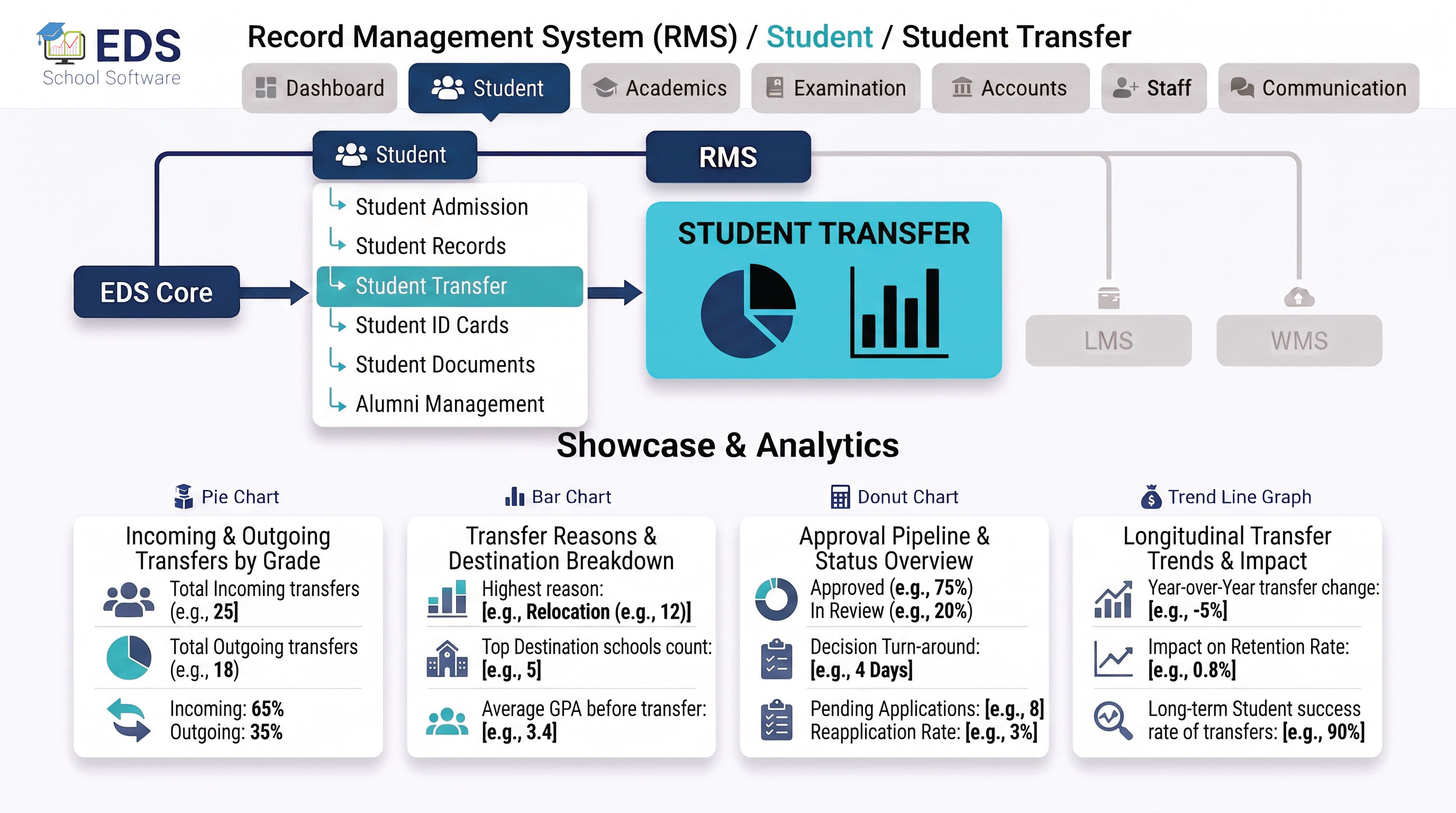
Student transfer management is the process of moving a student from one class, section or academic session to another, while keeping all their previous records intact. In Pakistani schools this happens regularly, at year end when students are promoted, mid-year when a student changes section, or when a student transfers from one school to another.
Simple Definition: EDS Student Transfer System means moving a student to a new class or section takes a few clicks, not hours of manual paperwork. All previous records, fees, attendance and results stay intact and the new fee structure applies automatically.
Types of Student Transfers EDS Handles
Promote students from one class to the next at year end, individually or in bulk. Failed students can be held back while passing students are promoted.
Move a student from one section to another within the same class, for example from Class 5-A to Class 5-B, without losing any records.
Move students to a new academic session at the start of each year. All previous session data is archived and a new session begins cleanly.
Process school leaving when a student exits the institution, generate leaving certificate and mark the student as alumni automatically.
How Student Transfer Works in EDS
Find the student by name, admission number or roll number in the student management section.
Choose whether to transfer to a new class, section or session, then select the destination.
Review details and confirm. EDS updates all records instantly, no manual changes needed.
New fee structure applied, attendance list updated, exam enrollment transferred, all records preserved with transfer history logged.
Year-End Bulk Student Promotion
At the end of every academic year, EDS makes student promotion fast and error-free:
Previous year data archived safely
Select entire class for bulk promotion
Automatically promote passing students
Hold back failed students individually
New session fee structure applied automatically
Previous year data archived safely
Promote 500 students in minutes not days
Related Student Management Features
Manage Student Transfers Digitally with EDS
Free trial for Pakistani schools. No credit card required. Urdu and English support available.