School Key Statistics Dashboard
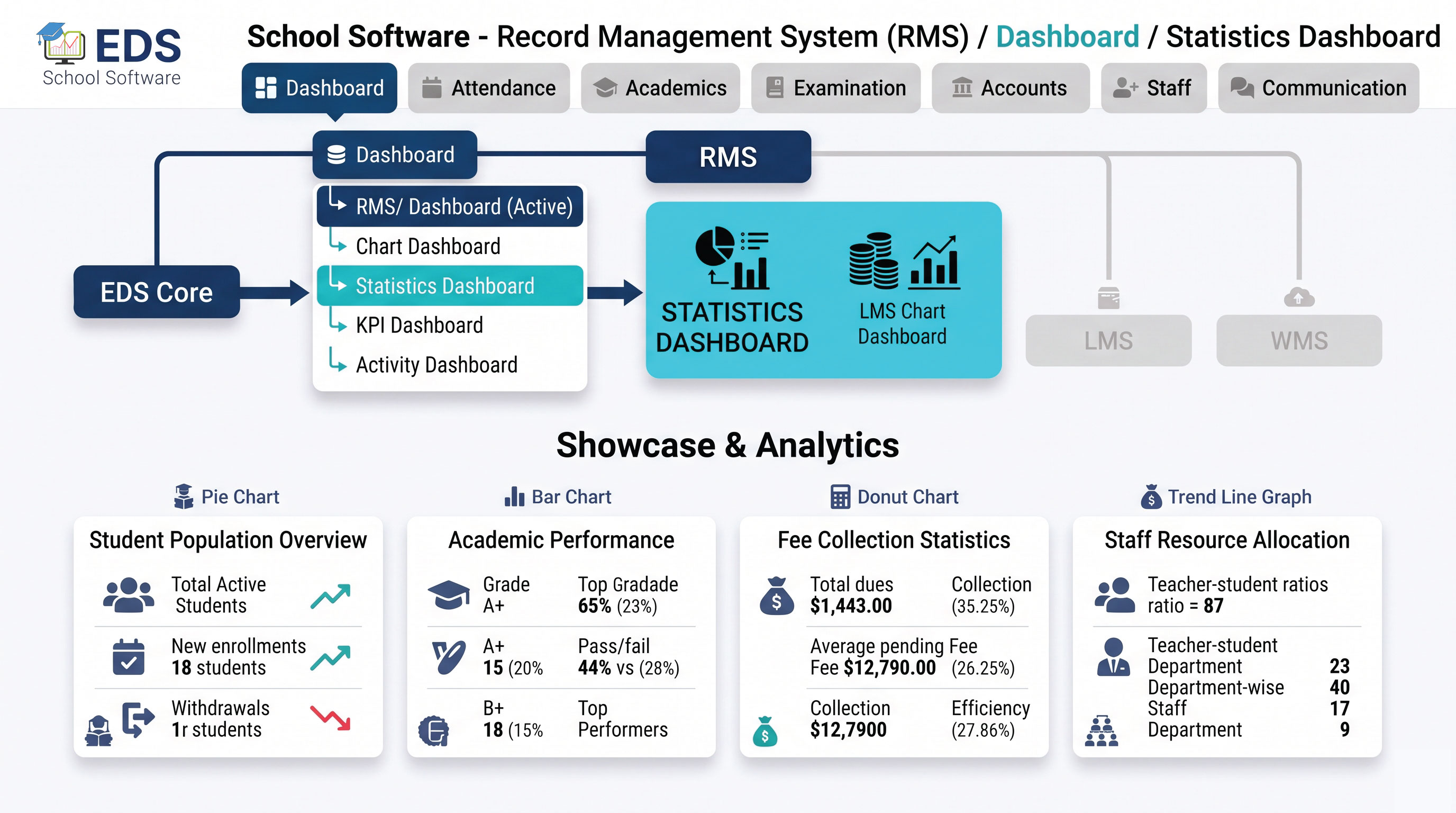
EDS Statistics Dashboard presents the most important school numbers instantly, total students, staff count, fee collected, giving Pakistani school administrators a quick pulse check on their institution.

What is a Statistics Dashboard?

A statistics dashboard presents key numbers about the school in a simple, easy-to-read format, total enrolled students, staff members, fees collected and other essential figures. Instead of navigating to each module to check numbers individually, EDS shows them all together instantly.

Simple Definition: EDS Statistics Dashboard means the moment you log in, key numbers greet you, how many students, how many staff, how much fee collected, without opening a single report.

Key Numbers EDS Displays

👥 Total Students
👨‍💼 Total Staff
💰 Fee Collected Today
📊 Monthly Collection %
🏫 Active Classes
📋 Today's Attendance %

Related Dashboard Features

📊 Chart Dashboard 🎯 KPI Dashboard 📜 Activity Dashboard 👤 Student Reports 💰 Fee Management 🖥️ All Dashboard Modules

Get Your School's Key Numbers Instantly with EDS

Free trial for Pakistani schools and colleges. No credit card required. Urdu and English support.

Start Free Trial → Talk to Our Team

Frequently Asked Questions

Find answers to common questions about EDS School Record Management System, including modules, pricing, setup and Pakistan-specific features.

What statistics does EDS show on this dashboard?

EDS shows total student count, staff count, today's fee collection, monthly collection percentage, active classes and other key numbers for a quick school snapshot.

Yes. All numbers update in real time as data changes, a new admission increases student count instantly, a fee payment updates collection numbers immediately.

Still have questions?

Our support team is ready to help you set up EDS RMS for your school, in Urdu or English.

Contact Support Schedule Free Demo