School Activity Log Dashboard
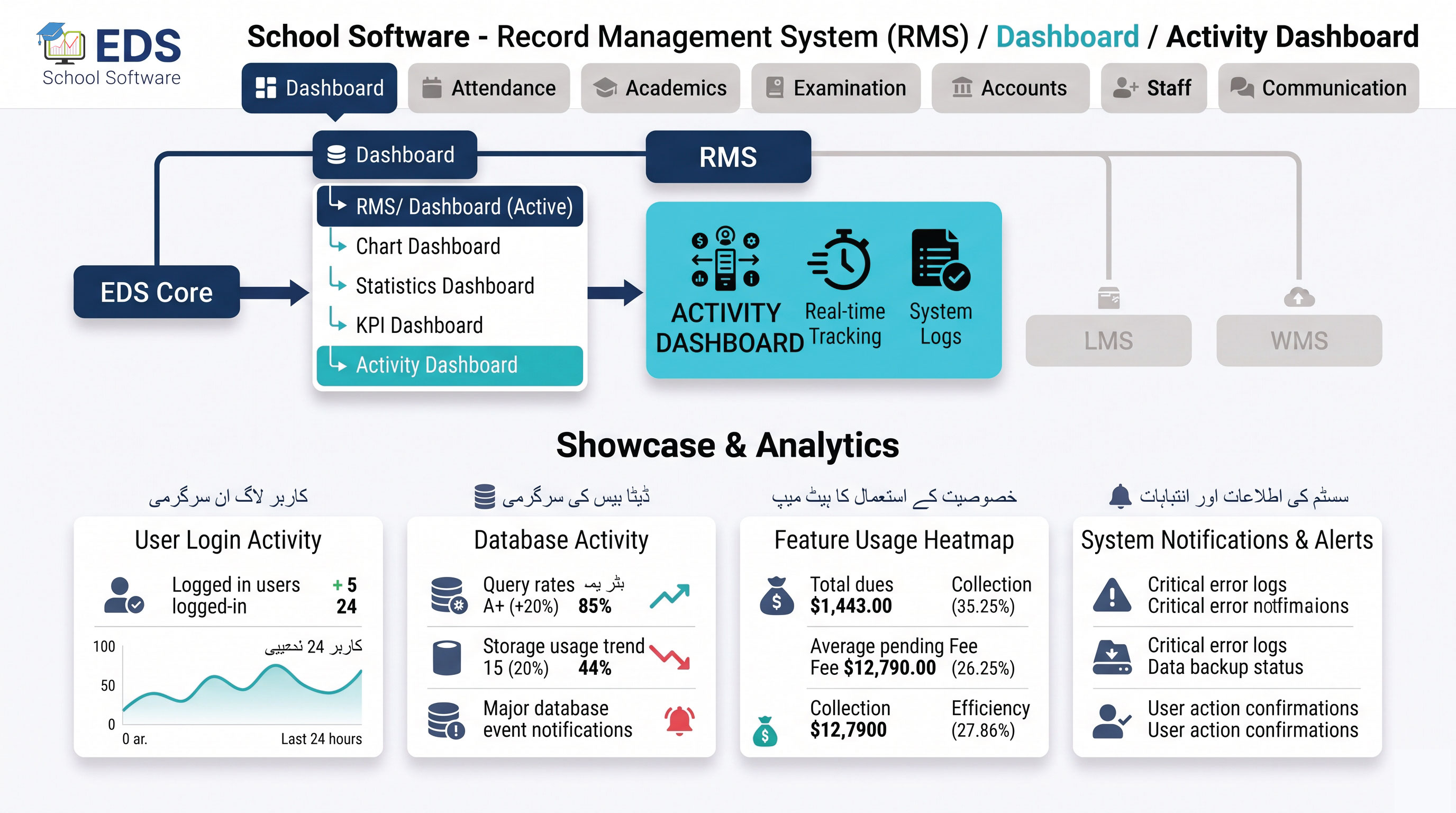
EDS Activity Dashboard shows a live feed of everything happening in your school system, admissions, fee payments, marks entries, with accountability for every action.
What is an Activity Dashboard?
An activity dashboard shows a real-time log of recent actions taken across the school management system, who did what and when. This gives principals visibility into daily operations without checking each module individually, and provides accountability for staff actions.
Simple Definition: EDS Activity Dashboard means seeing exactly what happened today, new admission by the front desk, fee collected by the accountant, marks entered by a teacher, all logged with who did it.
Activities EDS Tracks
Recent student admissions with timestamp and staff member who processed it.
Live feed of fee collections as they happen throughout the day.
Track which teachers completed marks entry for their subjects and classes.
See which classes have attendance marked and which are still pending.
Every action logged with staff member name for full accountability.
Every logged activity shows exact time it occurred throughout the day.
Related Dashboard Features
Track Every School Activity with EDS
Free trial for Pakistani schools and colleges. No credit card required. Urdu and English support.