Staff Salary Management System
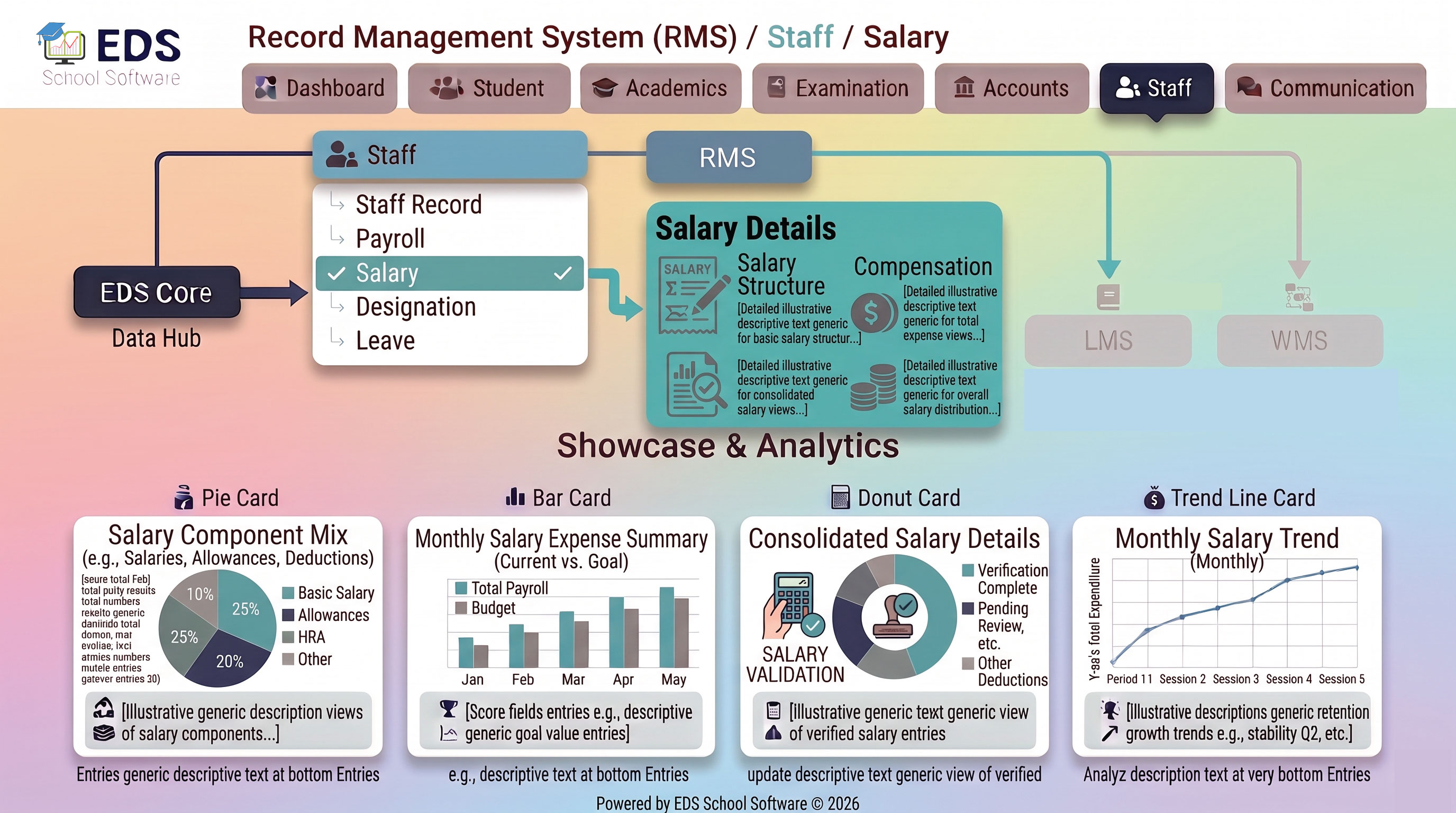
EDS Salary Management System lets Pakistani schools set individual staff salary structures, allowances and increments, providing the foundation for accurate, transparent payroll processing.
What is Staff Salary Management?
Staff salary management defines the exact compensation structure for each employee, basic salary, allowances and any special adjustments. This information becomes the foundation that payroll processing uses each month to calculate the correct salary amount for every staff member.
Simple Definition: EDS Salary Management means you set each staff member's salary structure once, basic pay, allowances and any adjustments. Payroll uses this exact structure every month automatically, and any increment is recorded with full history.
Salary Components EDS Manages
Key Features of EDS Salary Management
Set unique salary structure for each staff member based on role and experience.
Add house rent, transport, medical or custom allowances easily.
Record salary increments with effective dates and complete change history.
View all past salary changes for any staff member over their employment period.
Salary structure automatically applies in monthly payroll processing.
Compare salary structures across staff for equitable pay analysis.
Related Staff Management Features
Manage Staff Salaries Transparently with EDS
Free trial for Pakistani schools and colleges. No credit card required. Urdu and English support.