School Attendance Reports and Analytics for Pakistani Schools
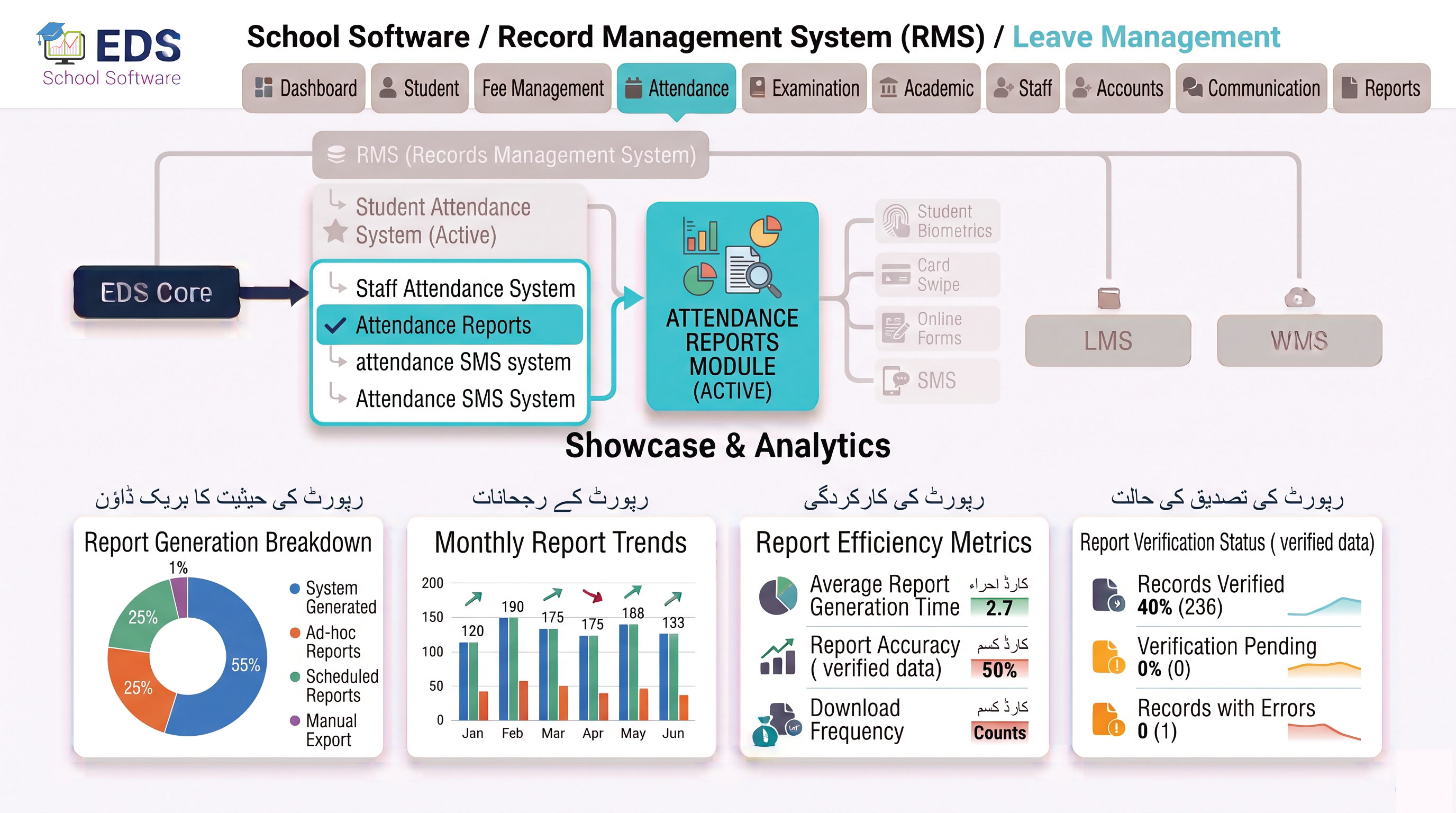
EDS Attendance Reports System generates comprehensive attendance reports for students and staff instantly, daily summaries, monthly reports, annual attendance percentages and custom date range reports, all in seconds without any manual calculation.
What is a School Attendance Report System?
A school attendance report system automatically compiles daily attendance data into meaningful reports for school management. Pakistani school administrators traditionally spent days calculating monthly attendance manually from paper registers. EDS Attendance Reports System generates the same reports in seconds, accurately and automatically.
Simple Definition: EDS Attendance Reports System means the monthly attendance report that took your staff 2-3 days to prepare manually is now ready in 10 seconds. Select the class, choose the month and click generate, complete report with percentages, present days and absent days for every student.
Types of Attendance Reports EDS Generates
Today's attendance summary for all classes, total present, total absent and class-wise breakdown. Available on dashboard in real time.
Complete monthly report per student showing present days, absent days and attendance percentage, generated instantly.
Full academic year attendance report with annual percentage for every student, useful for promotion decisions.
Attendance report for entire class or section, showing all students with their present, absent days and percentages together.
Complete attendance history for one student, date-wise record showing present, absent or leave status for any time period.
Generate attendance report for any custom date range, a specific week, exam period or term of your choice.
Monthly attendance reports for all staff, present days, absent days, late arrivals and leave records per staff member.
Report showing students with attendance below minimum threshold, helping schools identify at-risk students early.
Before vs After EDS Attendance Reports
| Task | Manual Method | EDS System |
|---|---|---|
| Monthly attendance report | 2-3 days manual work | 10 seconds |
| Student attendance percentage | Manual calculation, error prone | Auto calculated, 100% accurate |
| Class-wise attendance summary | Hours of manual compilation | Instant, any class anytime |
| Individual student history | Search through registers, minutes | Search by name, 2 seconds |
| Custom date range report | Not possible manually | Any date range in seconds |
Related Attendance Features
Generate Attendance Reports in Seconds with EDS
Free trial for Pakistani schools and colleges. No credit card required. Urdu and English support.