Automatic Profit and Loss Report for Pakistani Schools
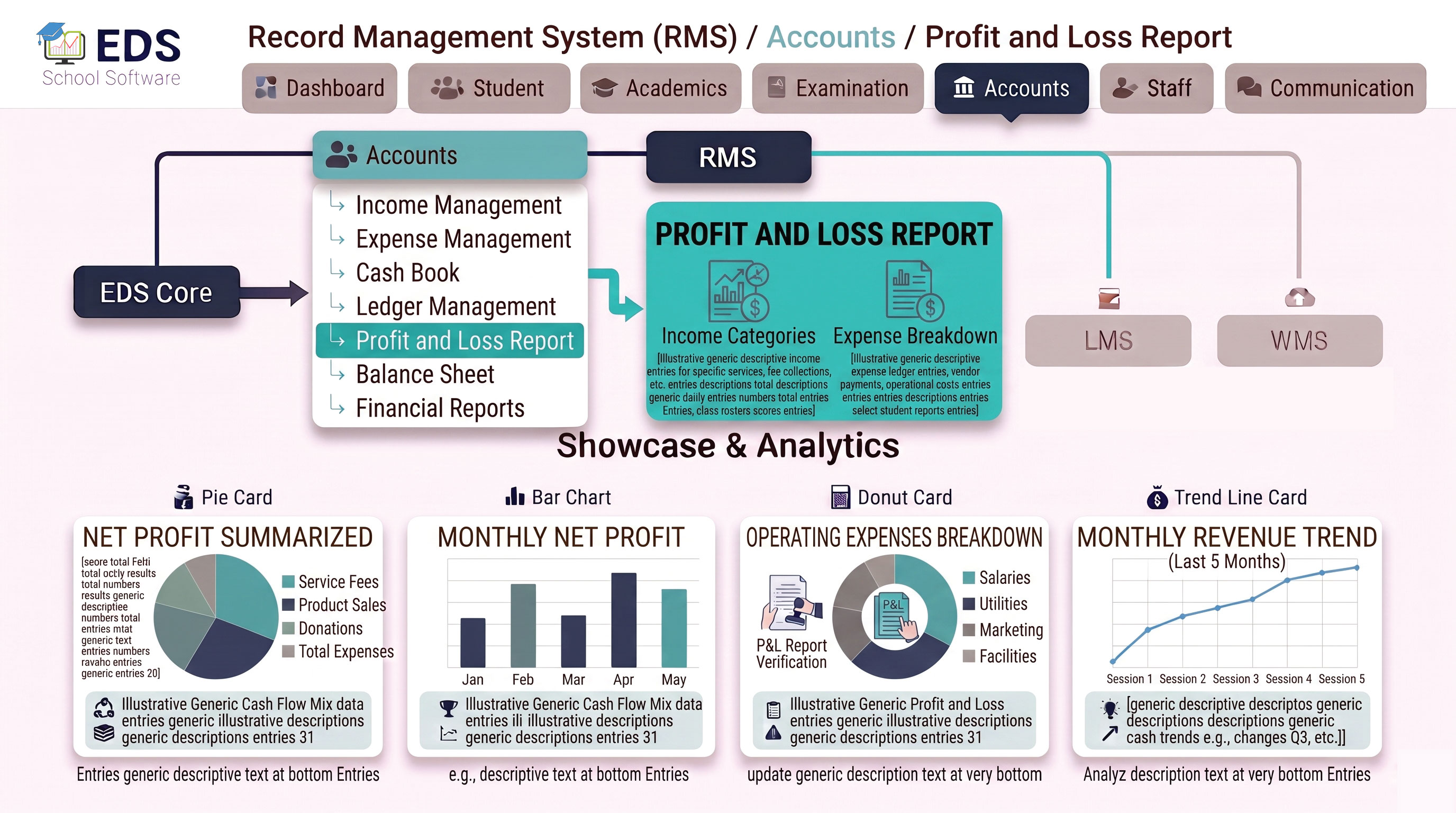
EDS Profit and Loss Report System automatically calculates whether your school made a profit or ran a loss for any period, instantly generated from your income and expense records without manual calculation.
What is a Profit and Loss Report?
A profit and loss report shows the financial performance of a school over a specific period, comparing total income against total expenses to determine whether the institution made a profit or operated at a loss. This is one of the most important financial statements for school owners and administrators making budget decisions.
Simple Definition: EDS Profit and Loss Report means select any month or period and instantly see whether your school was profitable, total income, total expenses and net result calculated automatically from your recorded financial data.
Key Features of EDS Profit and Loss Report
Profit or loss calculated instantly from existing income and expense records.
Generate reports for any month, quarter, term or full academic year.
See income sources and expense categories broken down clearly in the report.
Compare profit and loss between different periods side by side for trend analysis.
Print professional profit and loss statements for board meetings or audits.
No manual calculation errors, every number pulled directly from recorded transactions.
Related Accounts Management Features
Get Instant Profit and Loss Reports with EDS
Free trial for Pakistani schools and colleges. No credit card required. Urdu and English support.